

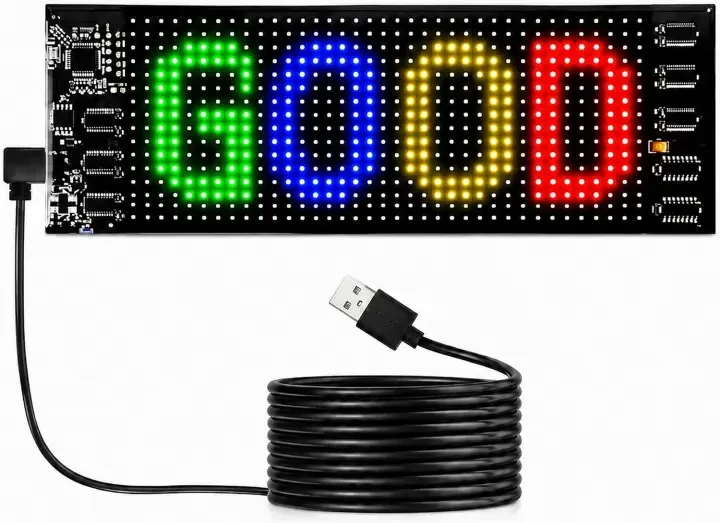
Programmable LED Car Sign, App-Controlled RGB, 23 × 4.7 in
$27.8-$92.69USD
Sin reseñas
Parámetros Detallados
| Brand Name | PIXELLOR | Recommended Uses For Product | Promotional |
| Number of Pieces | 1 | Manufacturer | PIXELLOR |
| Number of Packs | 1 | Unit Count | 1 Count |
| Item Highlight | Flexible USB-powered matrix for custom text, GIFs and pixel graphics on vehicle windows, storefronts and indoor walls | Part Number | PXL-AIRP1696 |
| Best Sellers Rank | #185,583 in Office Products (See Top 100 in Office Products)#3,677 in Business & Store Signs | ASIN | B0H4XQFHJT |
| Mounting Type | Wall Mount | Light Type | LED |
| Orientation | Landscape | Size | 23 × 4.7 inches |
| Item Dimensions L x W | 23"L x 4.7"W | Color | RGB Full-Color |
| Brand | PIXELLOR | Product Dimensions | 23"L x 4.7"W |
Detalles Detallados del Producto
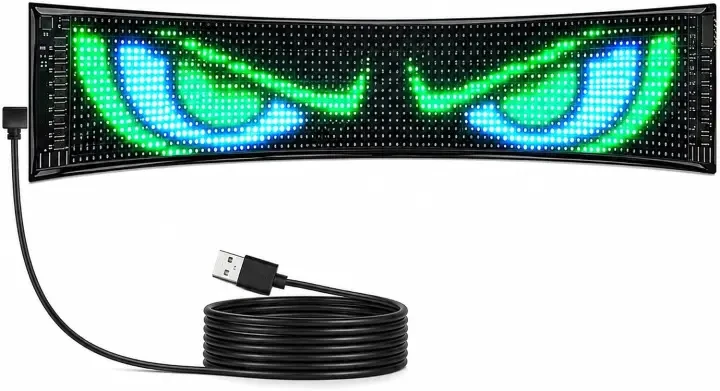
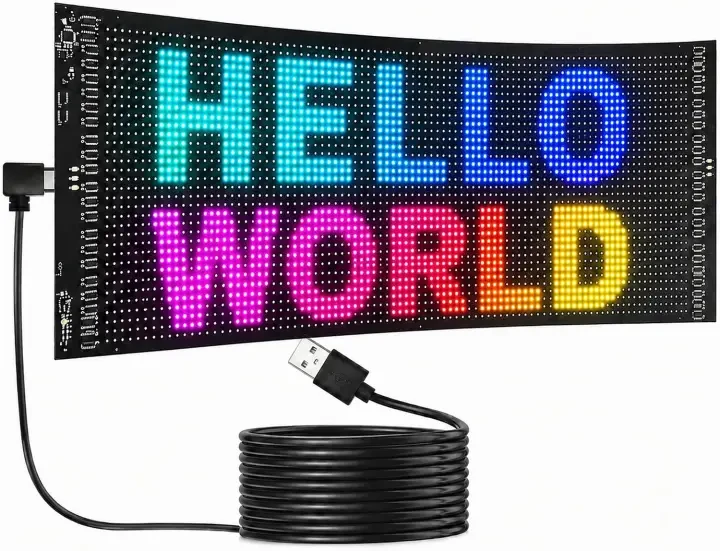
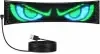
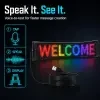
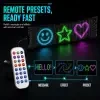
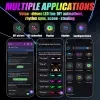
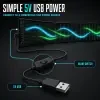
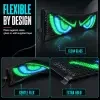
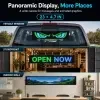
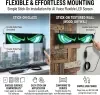
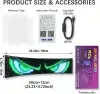
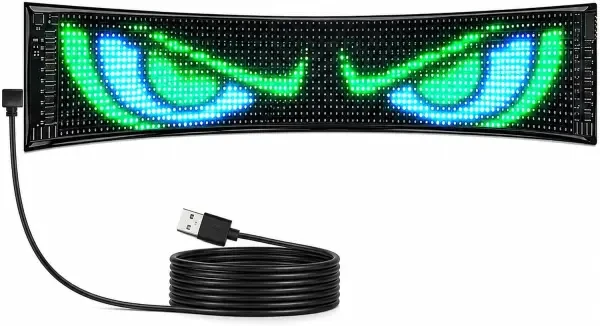
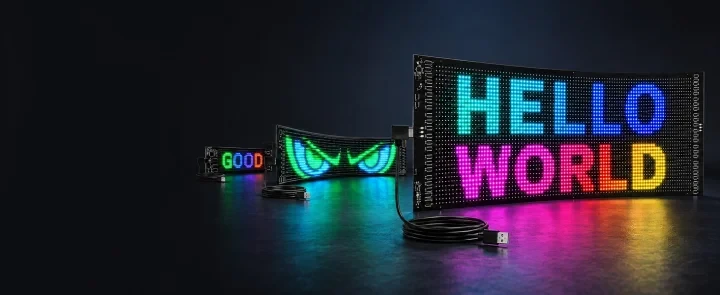
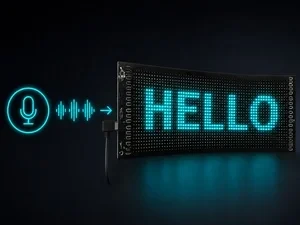
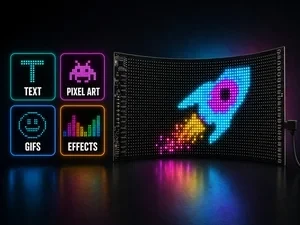
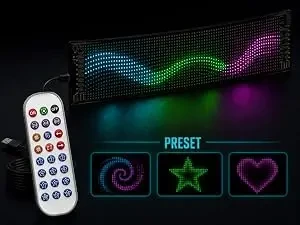
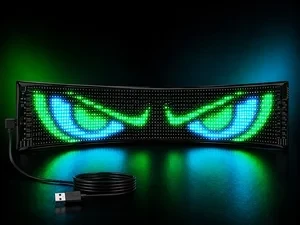
Programmable Full-Color Display Create It. Speak It. Display It. Build text, pixel art, GIFs and animated graphics in the app, or use voice-to-text when you want to create a message without typing. Choose a size that fits your space, place the flexible panel against clean glass, and power it from a compatible 5V USB source. Voice to Text Tap the voice button, say your message, and let the app convert it into display text so you can create or update content without typing every line. Custom Content Create scrolling text, pixel drawings, images, GIFs and animated effects, then adjust color, speed, brightness and playback to match the content. Remote Presets Use the included remote to switch among preset messages and pixel effects when you want a quick change without rebuilding content in the app. Animated Eyes Choose animated eye graphics and other effects to give a vehicle window or indoor display a distinctive panoramic look. Flexible by Design The bendable panel follows gently curved surfaces. Rest its grippy front against clean, smooth glass for temporary placement, or use the supplied double-sided tape when additional hold is needed. The low-profile shape keeps the LED content visually prominent. 5V USB Connection 5V USB Connection Choose Your PIXELLOR Display Size 7 × 2.8 in Add to Cart 14.6 × 3.6 in Buying Options 23 × 4.7 in Add to Cart 23.5 × 9.5 in Add to Cart Customer Reviews 4.5 out of 5 stars 5 — 4.5 out of 5 stars 5 4.5 out of 5 stars 5 Price $26.99$26.99 — $59.99$59.99 $89.99$89.99 Display Shape Compact Long and Slim Extra Wide Taller Widescreen Suggested Content Short Text Messages and Graphics Panoramic Artwork Two-Row Messages Voice Input Yes Yes Yes Yes App Creation Yes Yes Yes Yes Remote Presets Yes Yes Yes Yes Which size should I choose? Measure the intended display area before ordering. Use the 7 × 2.8 inch option for short text or small graphics, the 23 × 4.7 inch option for panoramic artwork, or the 23.5 × 9.5 inch option when you want more room for a two-row message. How does voice input work? Tap the voice button in the app and speak your message. The app converts the spoken input into display text, helping you create a message without typing each line manually. How is the flexible panel placed? Rest the grippy front face against clean, smooth glass for temporary placement. Add the supplied double-sided tape when extra hold is needed, and keep the panel within a gentle bend. What affects display visibility? Visibility varies with ambient light and viewing distance. Adjust brightness in the app, check the display in the intended location, and avoid blocking the driver's view. How is the display powered? Connect the attached cable to a compatible 5V USB power source. Use the inline switch to turn the display on
 Compra Segura
Cada pago que realiza en NBTen está protegido por estricta encriptación SSL y protocolos de protección de datos PCI DSS.


 Garantía de Entrega 100%
Garantizamos 100% entrega a su puerta. Le ayudaremos a resolver cualquier problema de paquete (incluyendo problemas de aduanas, paquetes perdidos, etc.).